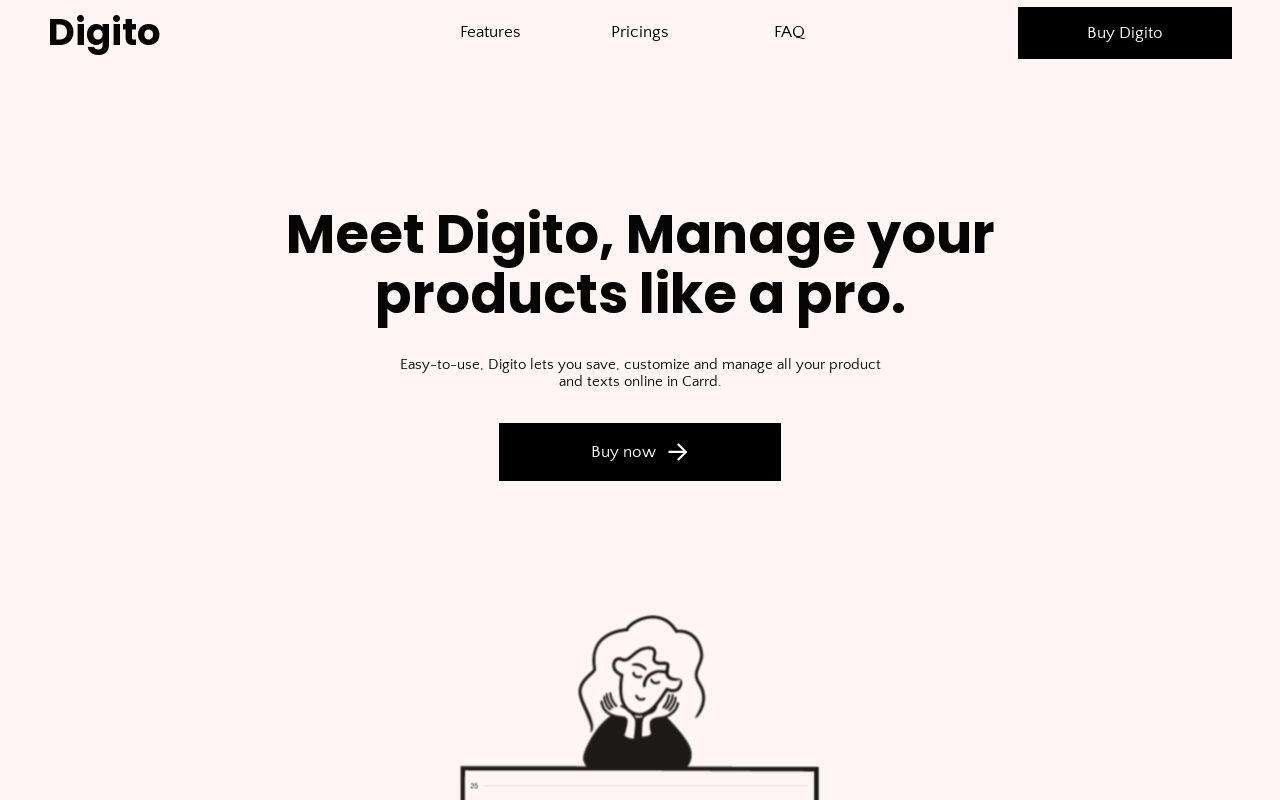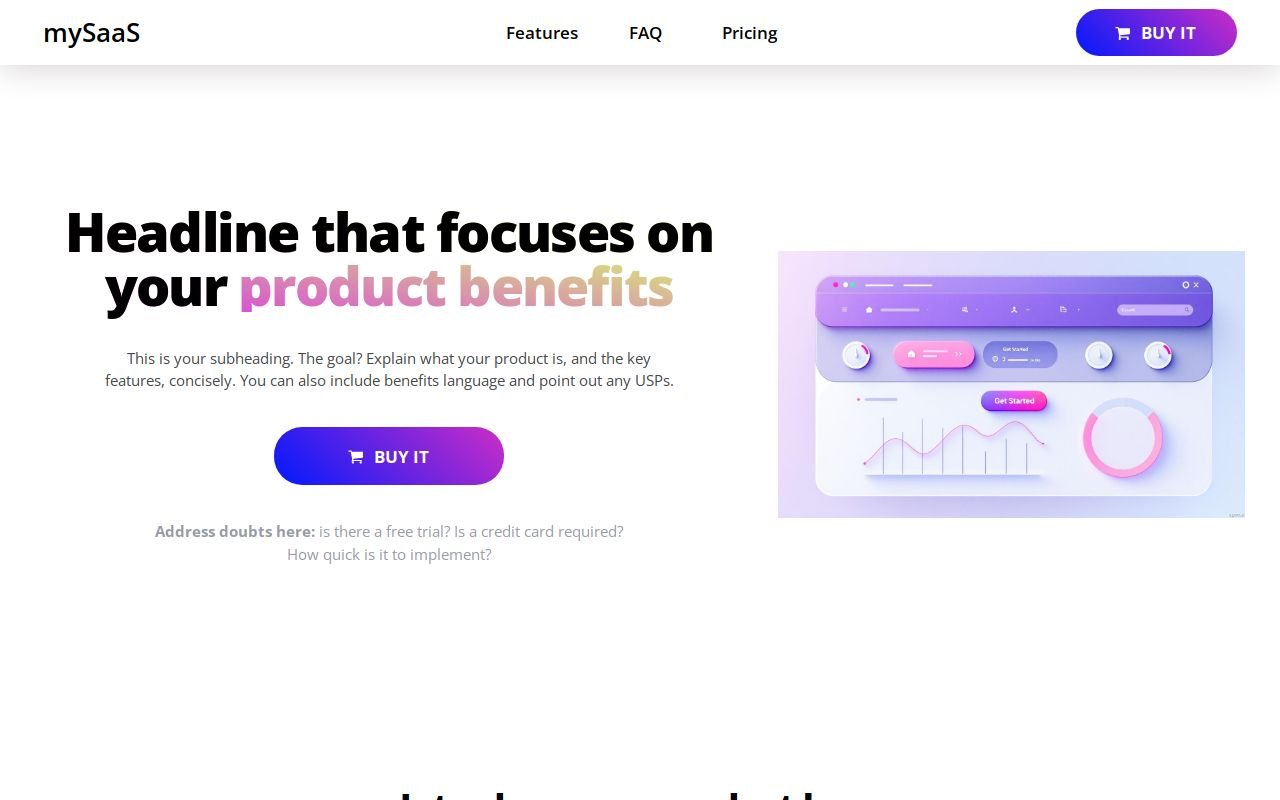
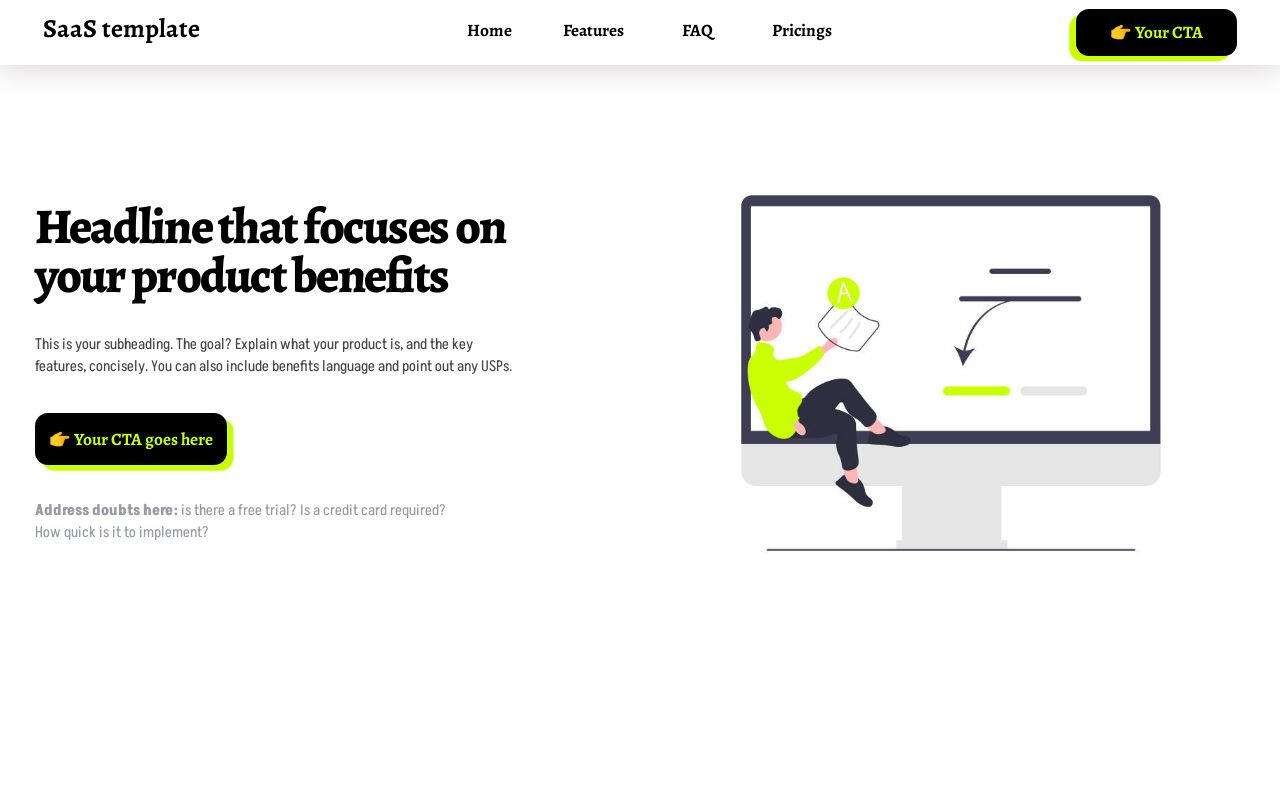
Accounting SaaS Landing Page
Best for software products that need a landing page, not a site build
One-page landing template for a SaaS or software product. Feature sections, pricing, FAQ, and signup call-to-actions — a full product page without a website build.
- saas
- software
- startup
- landing page
- product launch
$49one-time · yours to edit in Carrd
Don't want to touch it? I'll build it and keep it running. Build it for me →
The service is top-notch. He cares about making sure you're happy with your purchase. He even helps you to work out any kinks so your website can shine.
 Erica
EricaA landing page for accounting or fintech software — features, proof, pricing and a signup button, without building a site. The page is written for a visitor who has a spreadsheet problem and wants to know if your product is the fix.
Who this template is for
Founders of accounting, invoicing, expense or bookkeeping software who need a page that converts trial signups. It follows the standard SaaS landing structure: promise, proof, pain, product, doubts, plans.
It is not a marketing site. No blog, no docs, no careers page. One page, one product, one call to action repeated.
What’s included
Eight sections. The placeholder copy is a writing brief — every block tells you what to say there.
Navigation
Product name, four links — Home, Features, FAQ, Pricing — and the signup button.
Hero with a doubt line
Headline on the benefit, a subheading on what the product is, the button, and a small line under it for the three doubts: free trial? credit card? how long to set up?
Three testimonials
Stars, quote, name, role and company. Placed early, before the pitch.
The pain block
“Is this you?” — four short lines describing the current way of doing things, written to the reader.
Product reveal
Three features in the order a new signup meets them — image, title, paragraph, and a “Learn more” link on two of them.
Three-question FAQ
The doubts the hero line could not fit.
Repeat call to action
Headline restating the benefit, the button, and the doubt line again.
Three plans
Free, Pro and Premium cards, each with five or six bullets and its own button.
How to customise it
- Buy it and copy it to your Carrd account. After purchase, click “Use this template” and it appears in your Carrd dashboard. Needs Carrd Pro Plus ($49/year).
- Replace the placeholder content. Every heading, line, image and link is editable in Carrd’s visual editor. No code. Write the pain block first — the rest of the page answers it.
- Connect your domain and publish. Point your domain at Carrd, press publish, and the page is live. The Carrd guide covers domains, forms and SEO step by step.
What you get
- The complete one-page template, all eight sections, ready to edit
- Placeholder copy that doubles as a landing-page writing brief
- A mobile-first layout
- Every Carrd Pro feature: forms, embeds, custom domain, analytics
- No cost after Carrd Pro — no plugins, no hosting bill
- 1 month of email support — content setup, connecting your domain, wiring your email service
Frequently asked questions
Do I need a Carrd Pro account?
Yes. Carrd Pro Plus ($49/year) or higher: Carrd requires it for this template because it uses Carrd’s Advanced Settings, a Pro Plus feature: fixed IDs on the top banner and a button shown on desktop only. Pro Plus also covers your own domain. It is still one of the lowest hosting costs of any website platform.
How is this different from SaaSo?
Same structure. SaaSo is the minimal version with a “free trial, no credit card” line under the hero; this one carries the doubt line and a fuller feature block. Pick on look, not on features — both convert the same way.
Where do the buttons go?
Anywhere — your app’s signup URL, a Stripe checkout, a waitlist form. One setting per button.
What does the 1 month of email support include?
Help getting your content into the template, connecting your domain, and integrating your email service — Kit, Mailchimp, Beehiiv and 15+ others. Email [email protected] after purchase.
Ready to launch your site?
Get the template, then make it yours in Carrd.
Don't want to touch it? I'll build it and keep it running. Build it for me →